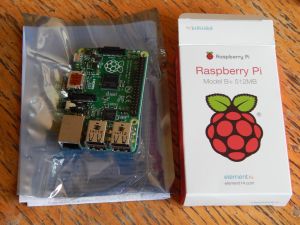
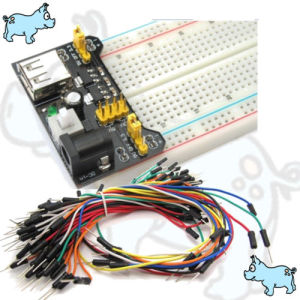
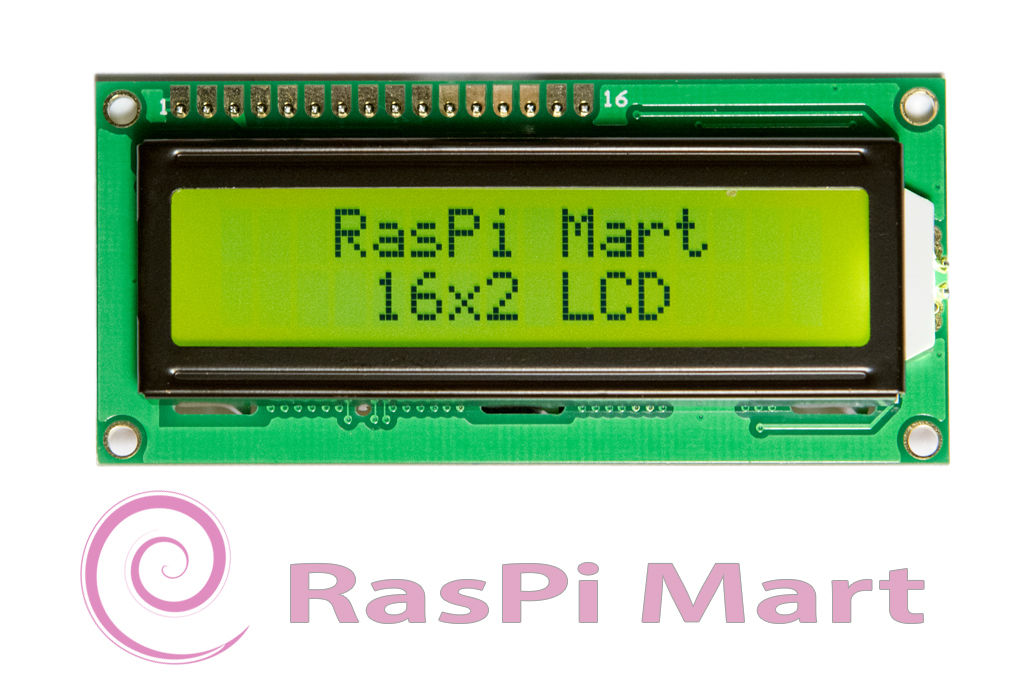
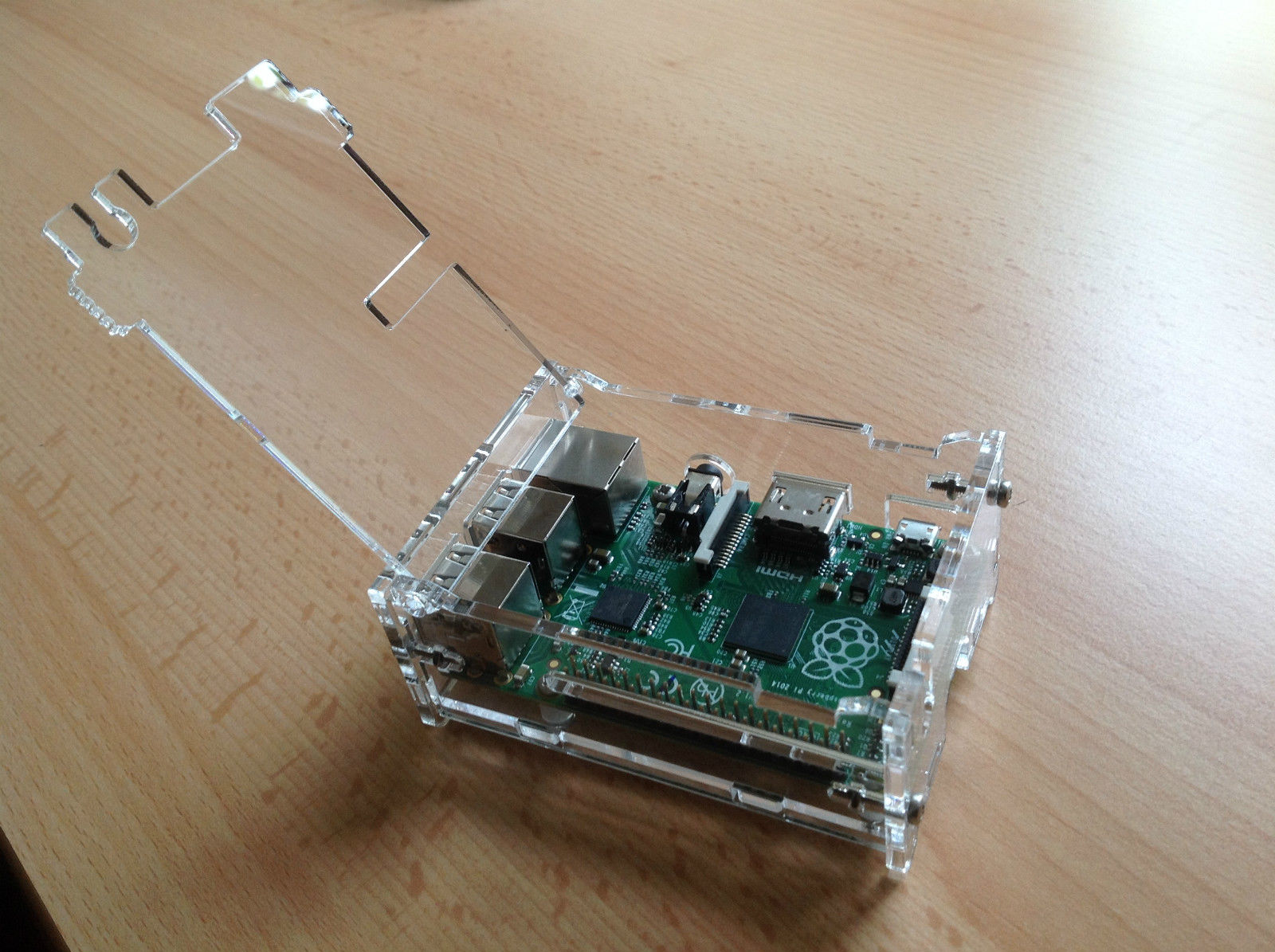
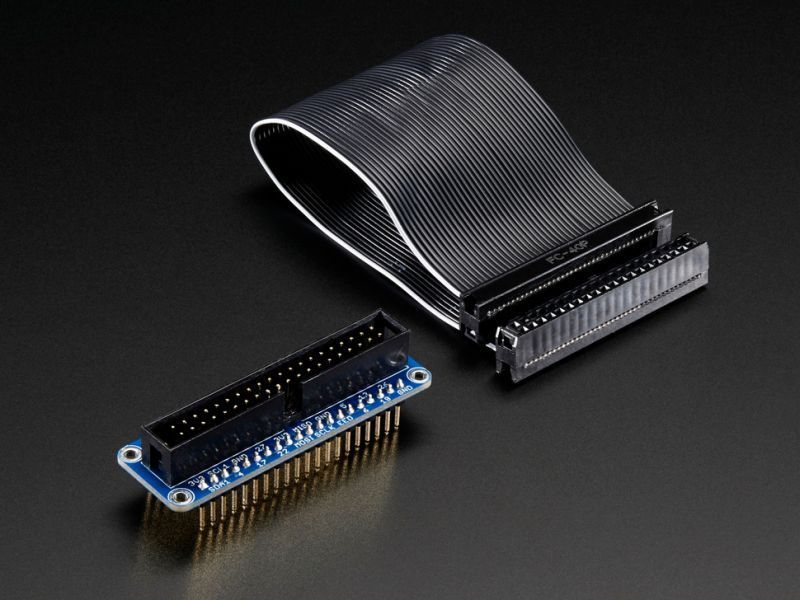
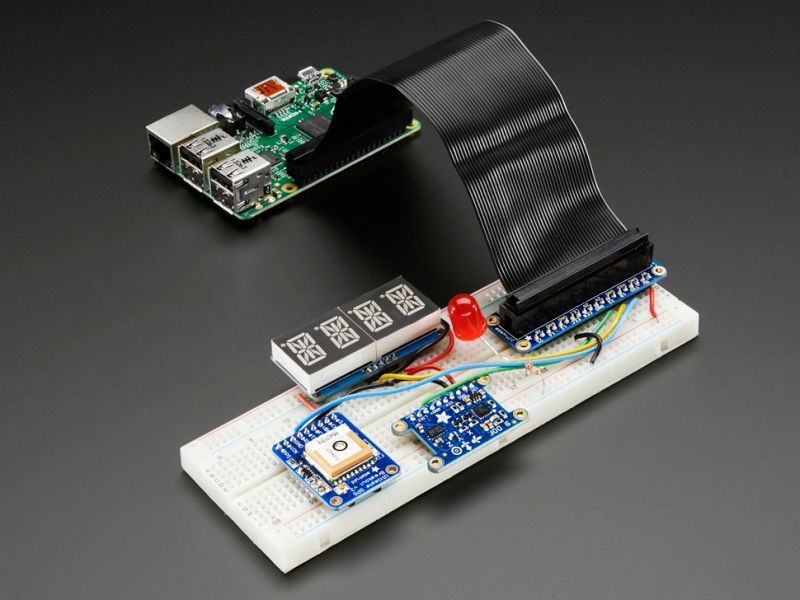
Bought a fancy acrylic box for the Pi and a Genuine Adafruit Pi Cobbler GPIO Breakout for Raspberry Pi Model B+ and a breadboard with power supply and jumpers
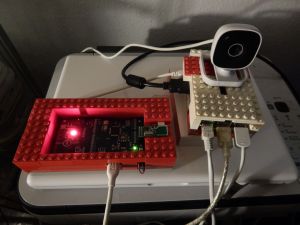
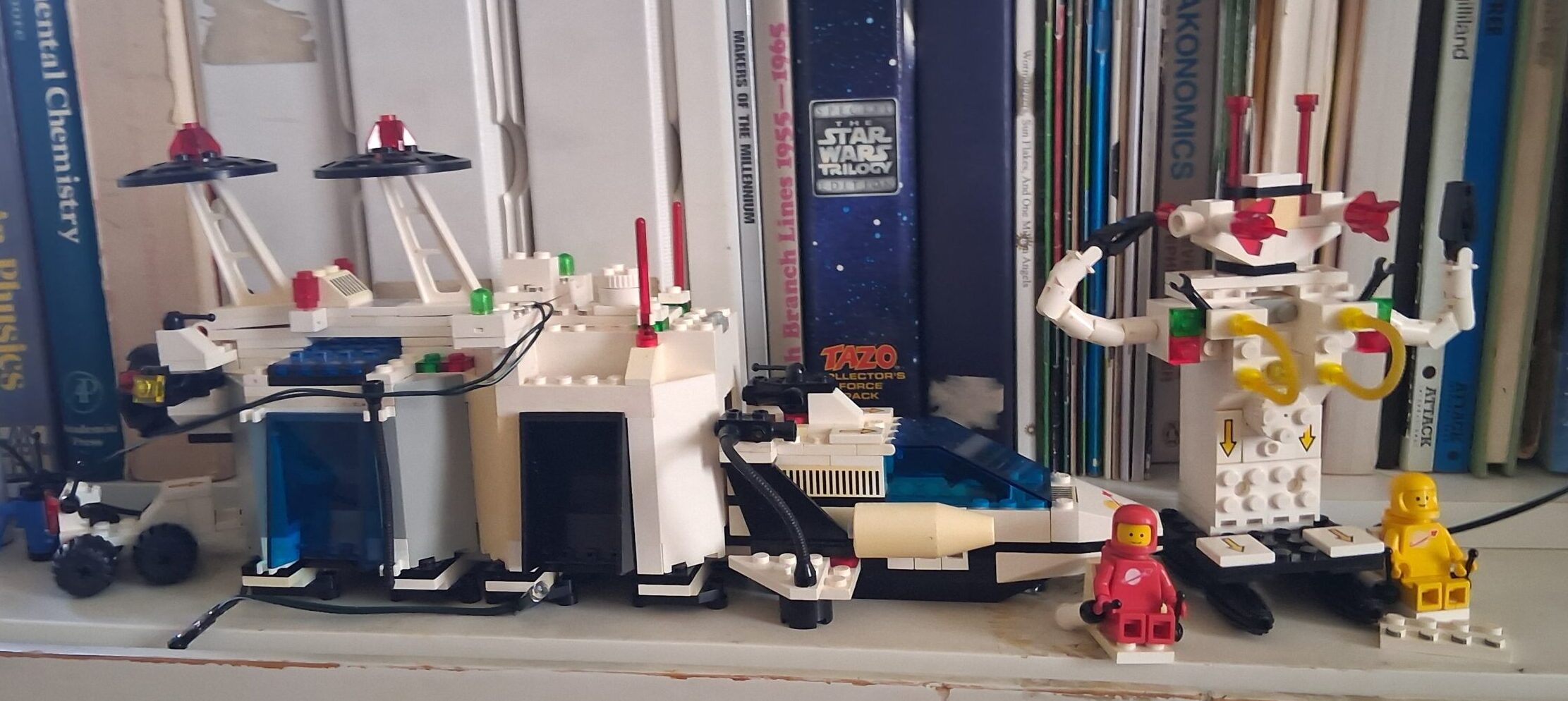
Some Lego Boxes for the Arduino Leonardo (EMF badge 2012) and Rasberry Pi B+
a picture taken with a webcam attached to the raspberry pi (SSH into the Rpi from terminal app on mac mini)
the raspbian OS displayed on my samsung smart tv
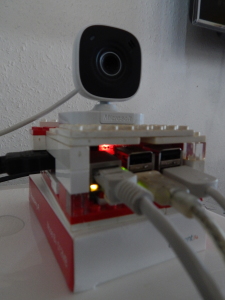
a couple of shots of the lego pi box
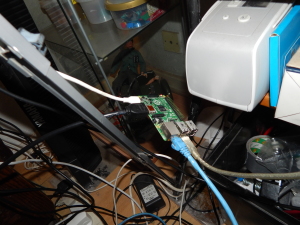
the raspberry pi connected to power (white cable) ethernet (blue cable) and USB Keyboard and Mouse (clear cable) and before I made the Lego box
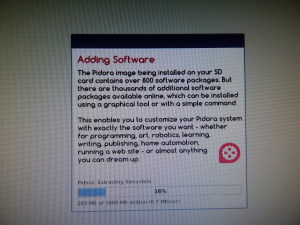
some screen grabs taken whilst creating a bootable SD card
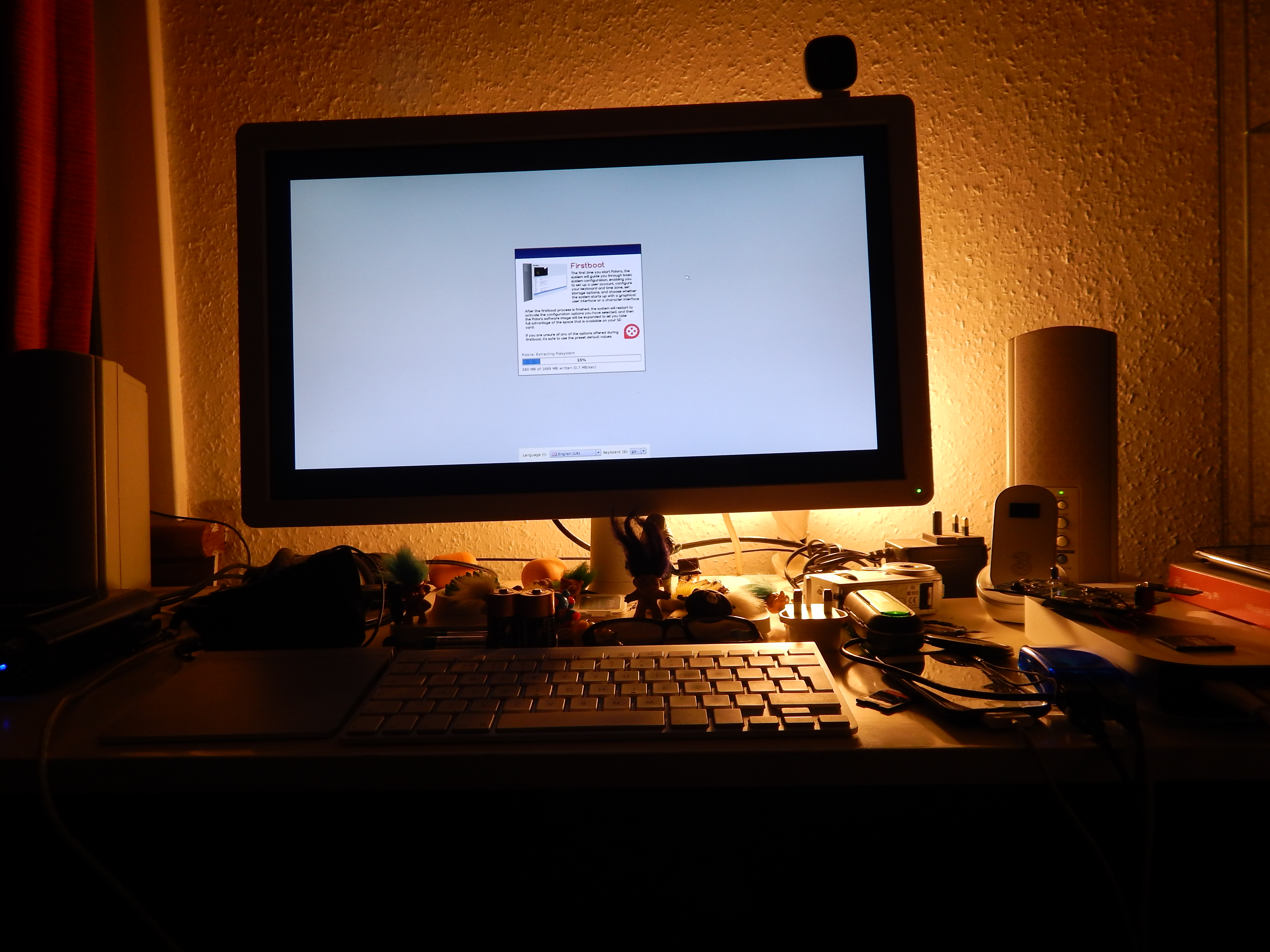
Creating a bootable SD card for the raspberry pi on the mac mini and BenQ monitor
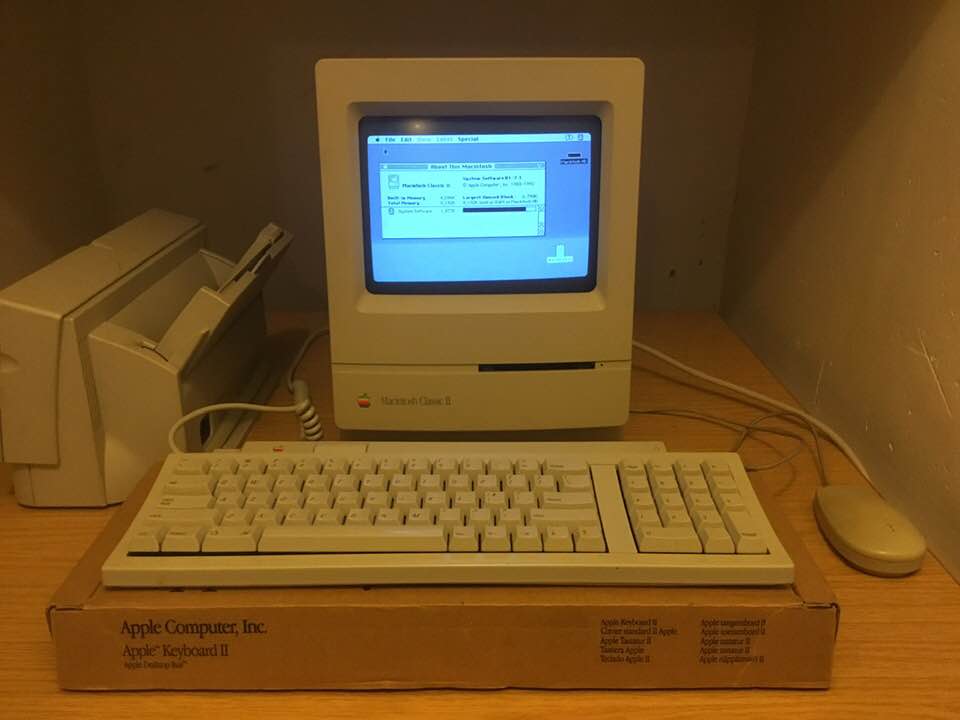
This Macintosh Classic II came to me as a generous gift from someone who knew I had a soft spot for older Apple machines. Like many computers from that era, it had spent a long time in storage and needed a little care before it could be trusted to run again.
Opening one of these compact Macs is always slightly nerve-racking. There’s the lingering knowledge that you’re working around a CRT display and ageing electronics, and once the case is off you’re immediately confronted with decades of dust and the unmistakable signs of time passing.
The real challenge was the motherboard. Anyone who has restored one of these machines will know that the surface-mount capacitors used in many early-1990s Macs have a habit of leaking over the years. Carefully removing the board and giving it a thorough clean felt a bit daunting at first, but it turned out to be well worth the effort.
Once everything was reassembled and powered up, the familiar startup chime was a very welcome sound. Watching that little 9-inch screen come to life again was a reminder of just how elegant and self-contained these machines were.
The Classic II wasn’t my first Macintosh. That honour goes to a Mac Plus, which I eventually upgraded to the luxurious height of 4 MB of RAM and paired with a chunky 40 MB external hard drive. At the time it felt like an enormous amount of storage and power.
Seeing the Classic II running again brought back many of those early memories — the simplicity of System software, the distinctive compact Mac design, and the feeling that computers could be both useful tools and beautifully engineered objects.
Machines like this are a small window into the early days of personal computing. With a little patience and some careful cleaning, they can still do what they were built to do — quietly reminding us where it all began.
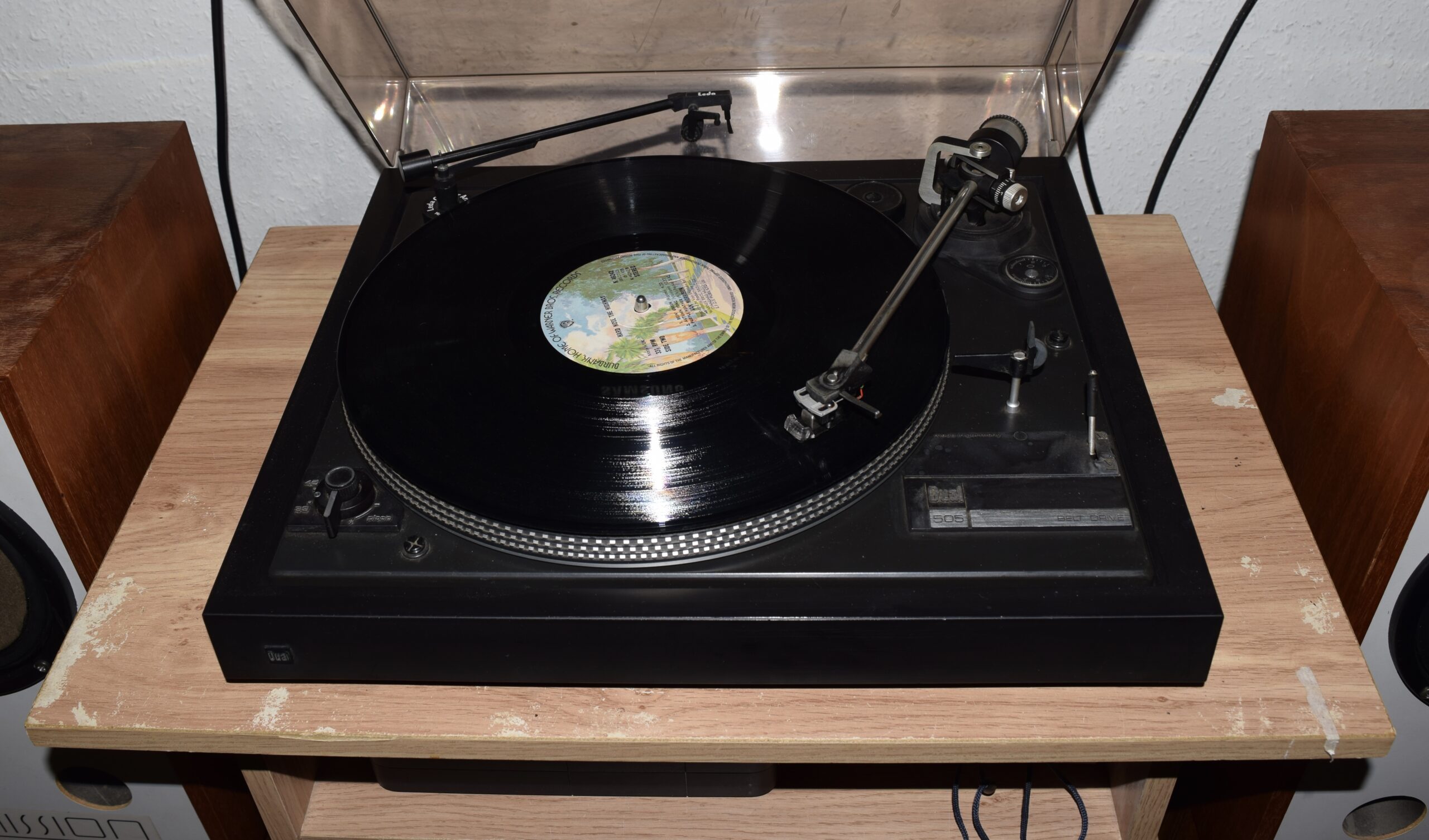
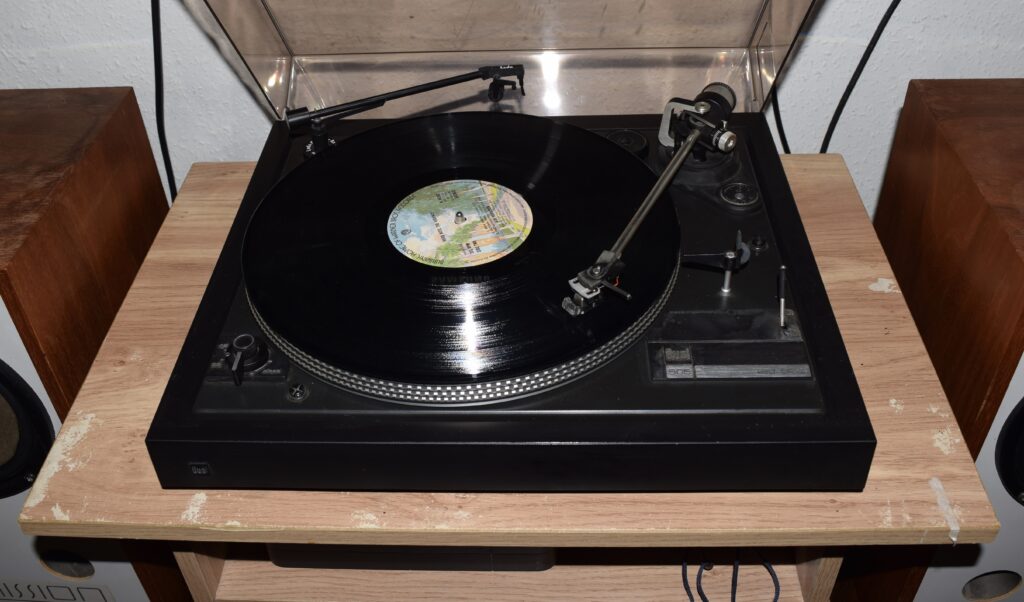
There’s something deeply satisfying about bringing a piece of classic equipment back into working order. This Dual record deck had been sitting idle for years, the usual culprit being a tired and stretched drive belt that could no longer keep the platter turning at the correct speed.
After a careful clean and the fitting of a new belt, the deck is once again doing exactly what it was designed to do — spinning records smoothly and quietly, just as it did decades ago.
Dual turntables were always known for their solid German engineering and thoughtful design. Even after many years, most of the components are straightforward to service, and with a little patience they can often be restored to excellent working condition.
There’s also a certain ritual to playing vinyl that never quite translates to modern streaming. Choosing a record, lowering the stylus into the groove, and hearing the first faint crackle before the music begins creates a moment of anticipation that feels almost ceremonial.
Digital audio may be convenient, but for many of us vinyl remains the most engaging way to listen. A well-maintained turntable like this Dual reminds us that good design and careful engineering have a way of lasting far longer than the technologies that follow them.
Sometimes all it takes is a new belt, a careful clean, and a bit of patience to bring a classic piece of audio equipment back to life.